Start with the script.
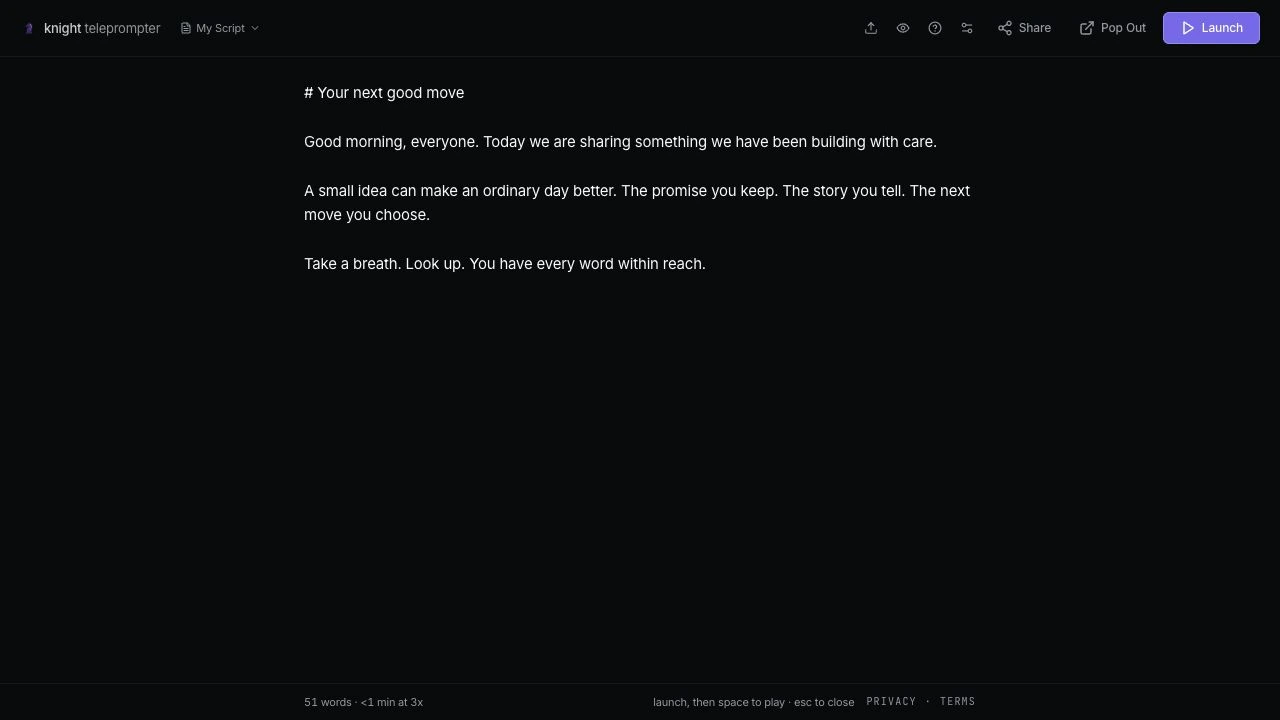
Pasting text and setting a reading pace are the first useful actions. No account or download stands between opening the tool and starting a presentation.
 Checkmate LabsIndependent studio.
 Released · Web
Your script. At your pace.
Paste your script and present at your own pace. Free in your browser, with no account or download.
Free. No account or download.
A script should support a presentation without becoming another thing to manage. The next line needs to stay readable while leaving the speaker room to pause and speak naturally.
A free browser tool with manual pacing, supported voice scrolling, and a desktop pop-out. A focused utility with a short path from opening it to using it.
Pasting text and setting a reading pace are the first useful actions. No account or download stands between opening the tool and starting a presentation.
Adjustable text size and scrolling support a conventional reading mode. In supported browsers, voice scrolling follows the speaker's delivery.
A supported desktop pop-out keeps the words close to the call or recording. Chrome and Edge support the voice and pop-out modes; standard reading works in other modern browsers.
The reading view keeps the script at the center. Text size and pace can be adjusted; supported Chrome and Edge modes add voice scrolling and a desktop pop-out.
Knight Teleprompter · Your script. At your pace.